Viewing ECAD Models
How to use the PCB Part Libraries
- Install the Library Loader - To convert the PCB Part Libraries to your ECAD tool format, you will need to download and install the Library Loader. PCB Part Libraries work with all of the ECAD tools shown below.
- For complete Library Loader install instructions please visit the Samacsys Library Loader help page.
- Note: first time users will be asked to register and log in.
- Run the Library Loader from the desktop shortcut that was created during installation.
- When browsing parts on the TTI website, be sure your ECAD tool is open.
- Simply click on the View PCB symbol from the TTI website and drop it into your design.
- If a 3D model is included in the library, it will be downloaded to your Downloads folder and named the same as the manufacturer part number.
- For more info on 3D files, please visit the Samacsys 3D Only help page.
PCB Library Parts

Indicates PCB Symbol, Footprint, & 3D Model Available.

Indicates only Schematic Symbols and PCB Footprints available.

Indicates no models are currently available. Schematic symbol and PCB footprint can be requested.
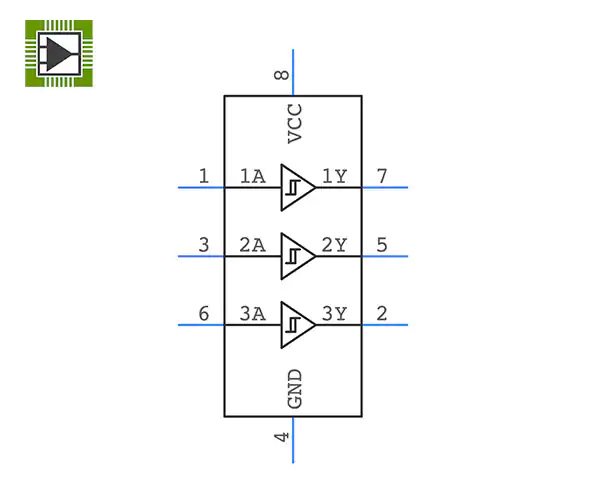
Symbols
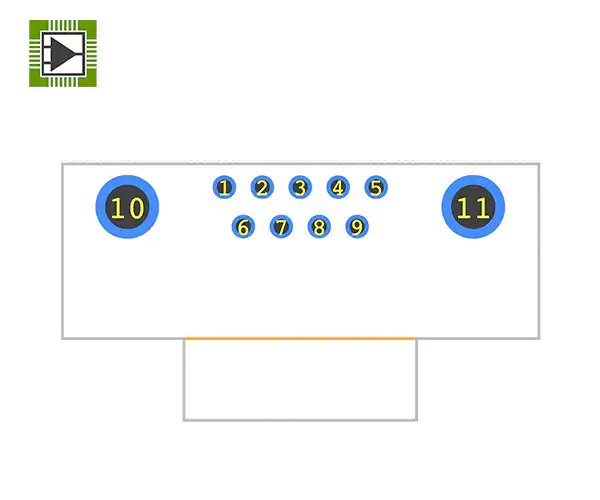
Footprints
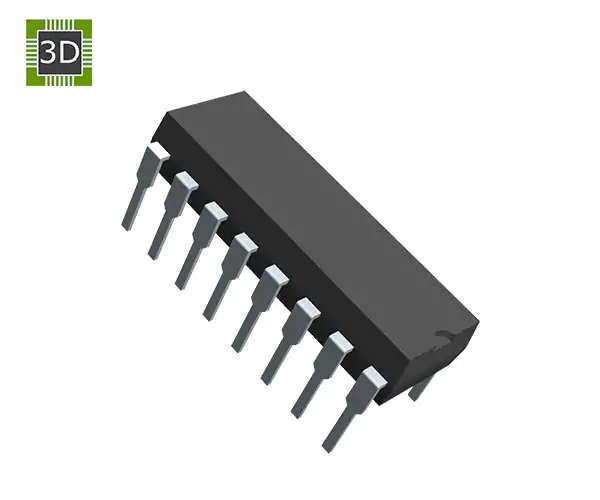
3D Models
Getting Started
Transcript
Accessing ECAD Models via TTI's PCB Part Libraries
To access ECAD models on TTI's website, search for your part, click the ECAD Model icon, and use the Library Loader link. Download and install the Library Loader from the provided MSI file. Register and configure the Library Loader for your specific ECAD tool, following any required one-time ECAD setup. Return to the TTI website and download the desired ECAD model, which includes the PCB footprint and 3D data.
For new parts without existing models, utilize TTI's free online builder or request a custom model. The online builder guides you through package selection, pin count, part category, datasheet integration, mechanical information, and electrical pin data entry, concluding with a quality check and download. Alternatively, submit a request for TTI's team to create the model. For detailed setup instructions, access the Library Loader's help section and select your ECAD tool.
ECAD Tools Supported
SamacSys ECAD Models are compatible with multiple ECAD tools.