Order Status & Order History Help
Accessing Order Status and Order History
Customers can view the status of individual orders by using the Order Status tool here.
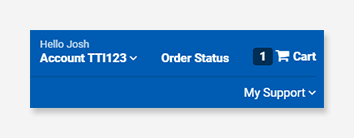
To track multiple orders or view the status of previous orders, log in to your TTI account. Once logged in, the Order History tool can be accessed here. Order History is also linked from the top right of the toolbar.
Non-customers without access to Order History will need to request access here. *When requesting access, please include "Order History" in the comments section.
If you need assistance requesting Order History, please contact your branch representative using the "My Support" link in the right of the toolbar.
Navigating Order History
While on Order History, view all of your orders and details under their respective columns.

If you cannot immediately locate your order, you can refine your search using the Search TTI Orders feature.
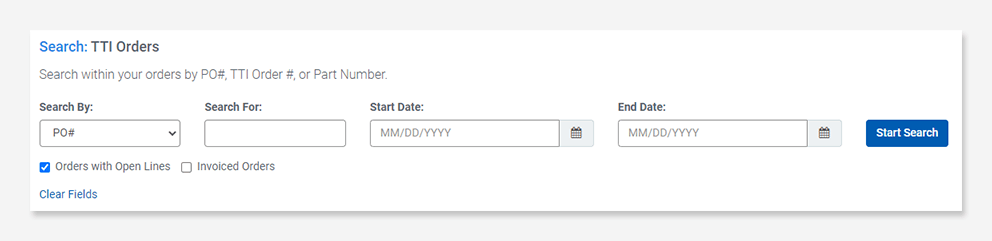
In the Search TTI Orders section, you can search by PO#, TTI Order #, or Part Number to find your order. Use the dropdown menu under Search By: to select your search criteria. Use the text field under Search For: and enter the information needed to locate your order. You may also enter the Start Date and End Date in the menu functions to narrow your search. Click the Start Search button and the order(s) containing the entered information will appear.
Clicking on your order number under the TTI Order # column will open the Order Status Detail. From there, you can view the status of each part ordered, including shipping status, shipping method, tracking number and expected arrival date.